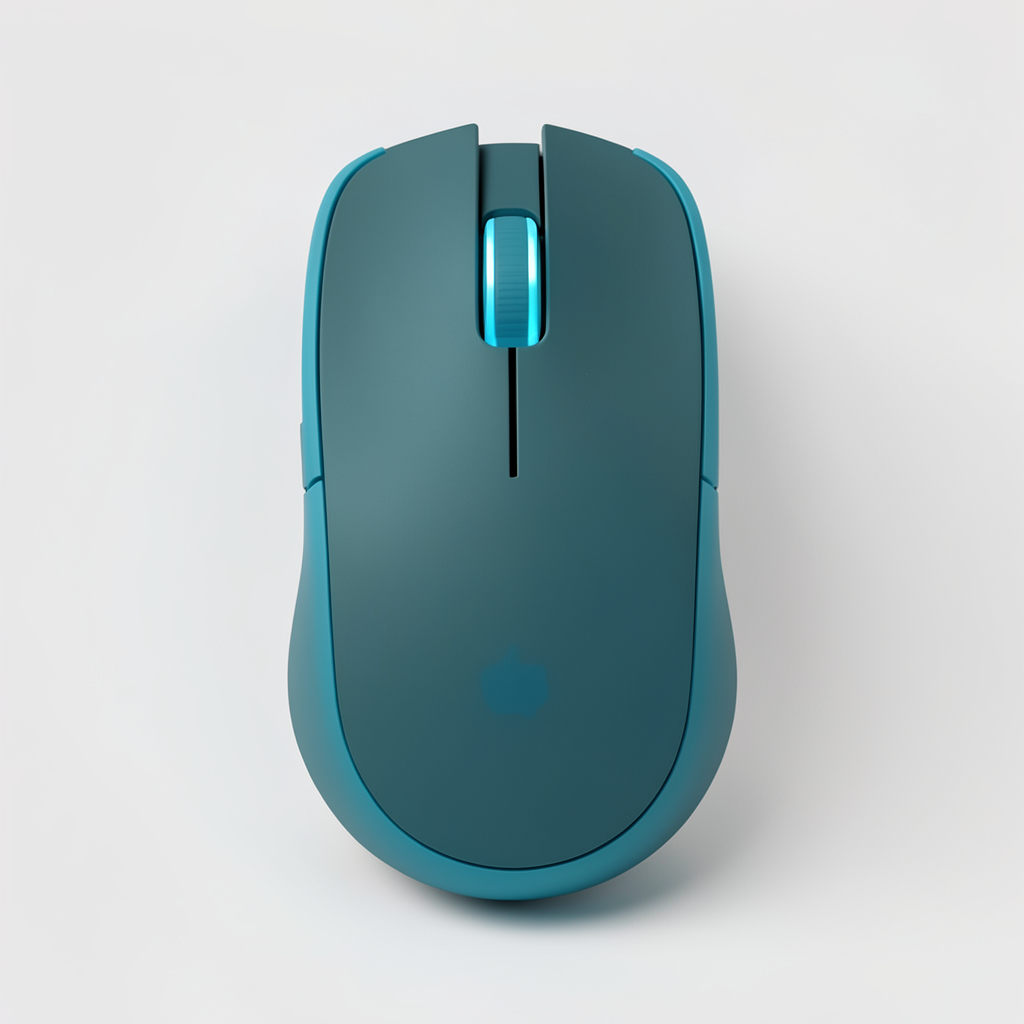
Describe your idea
Share the basics of your design — from mouse type and shape to materials, colors, and key details you want to explore.
Turn a simple idea into a detailed mouse concept. Explore gaming designs, ergonomic shapes, unique materials, transparent shells, and modern desk aesthetics with AI-assisted visualization.
Curated Starting Points
Open a Template to reuse its prompt and visual direction.
Turn your idea into a complete mouse concept through a simple three-step design process.
Share the basics of your design — from mouse type and shape to materials, colors, and key details you want to explore.
Choose a direction that fits your vision, whether it is a competitive gaming mouse, a clean office design, or something completely original.
Explore different variations, compare ideas, and refine the final direction until the design feels right.
Dedicated controls and guided inputs help you explore mouse ideas with clearer shapes, materials, and visual directions.
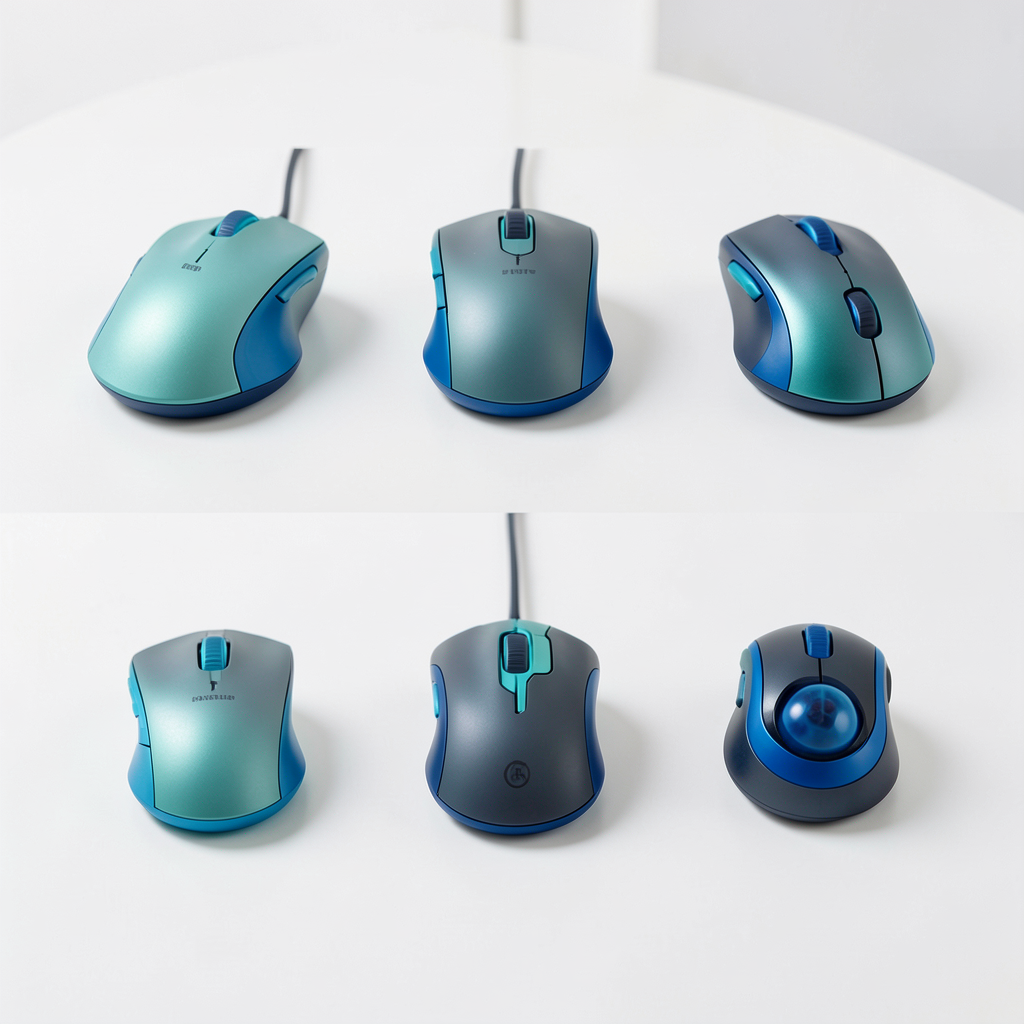
Explore different mouse forms, including ergonomic palm designs, claw grip shapes, fingertip styles, vertical layouts, ambidextrous builds, and compact travel concepts.
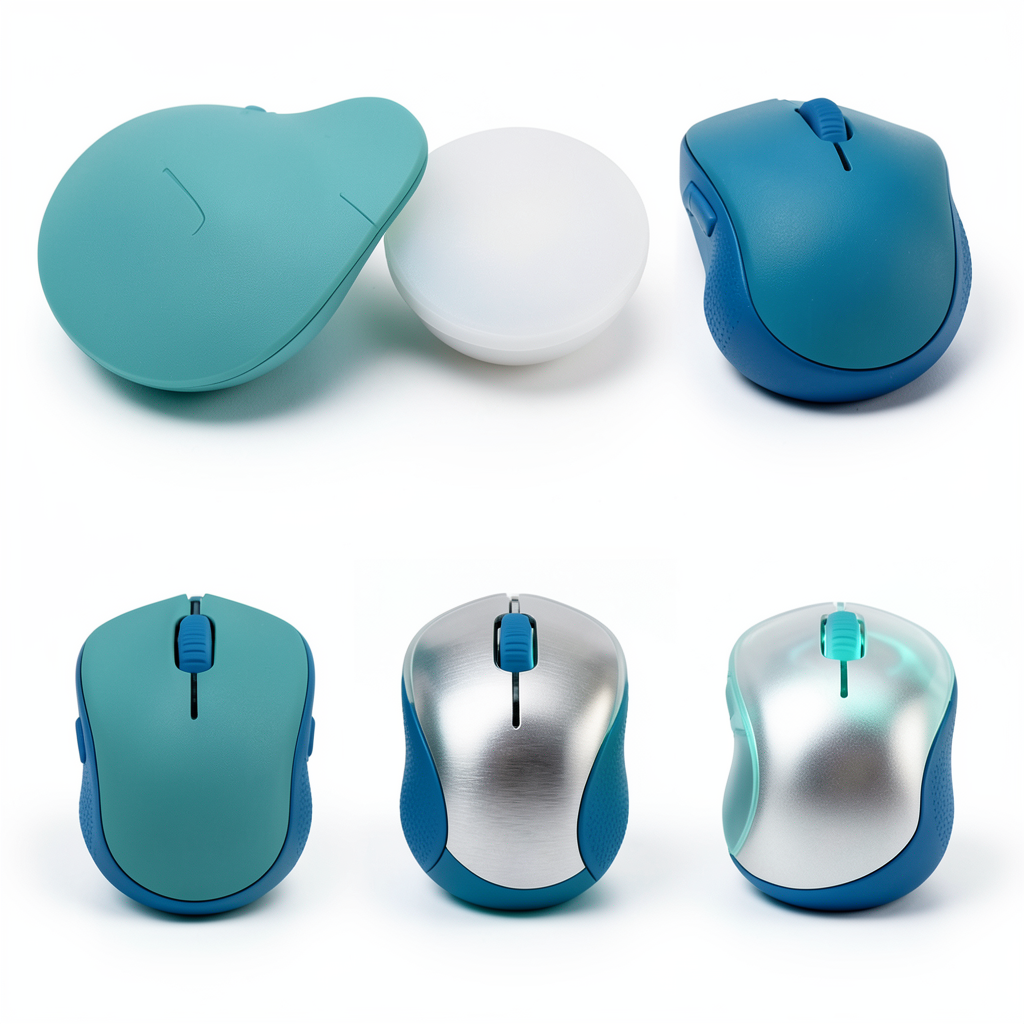
Experiment with different materials and finishes, from matte plastics and translucent shells to brushed metal, textured grips, ceramic surfaces, and subtle RGB details.
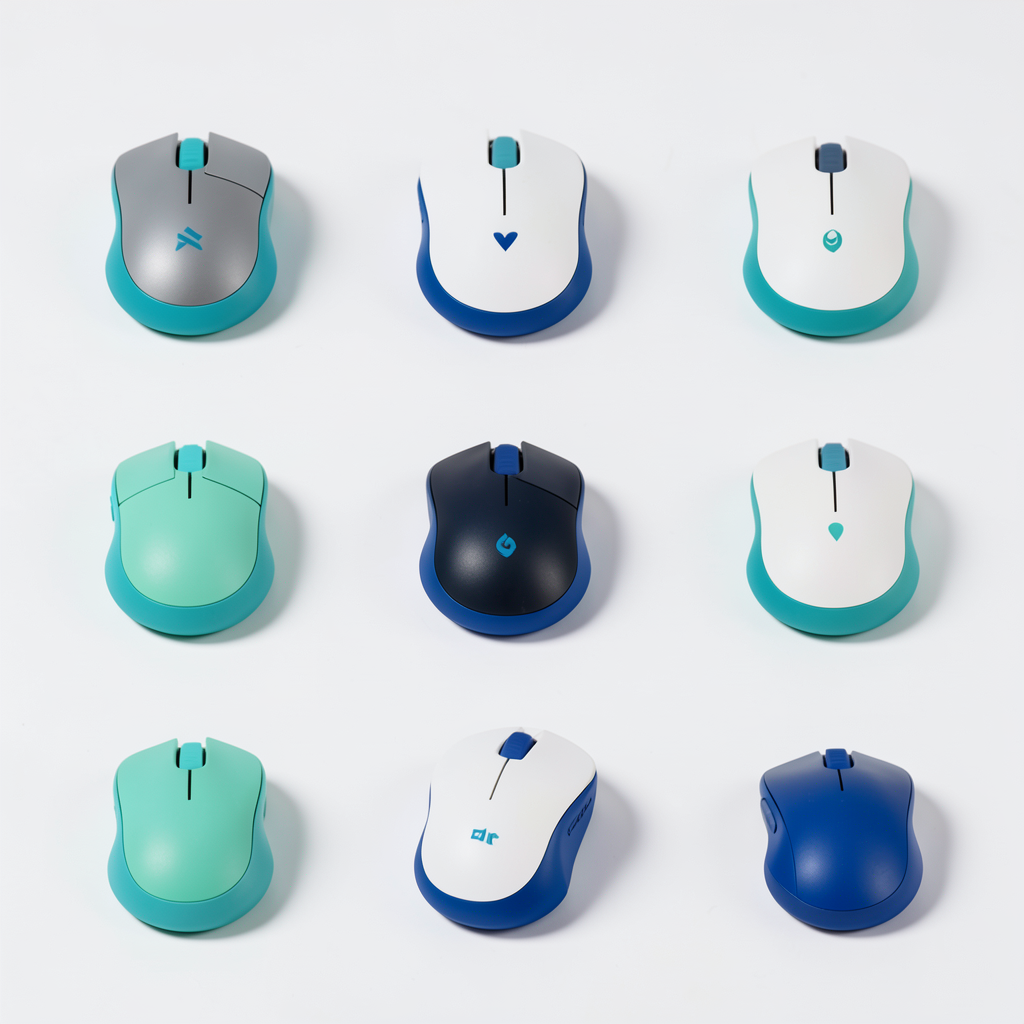
Create consistent visuals for product presentations, moodboards, design reviews, and early-stage comparisons.
Include details like grip style, shell shape, button layout, materials, colors, lighting, and intended use. Clear descriptions help create more focused mouse concepts.
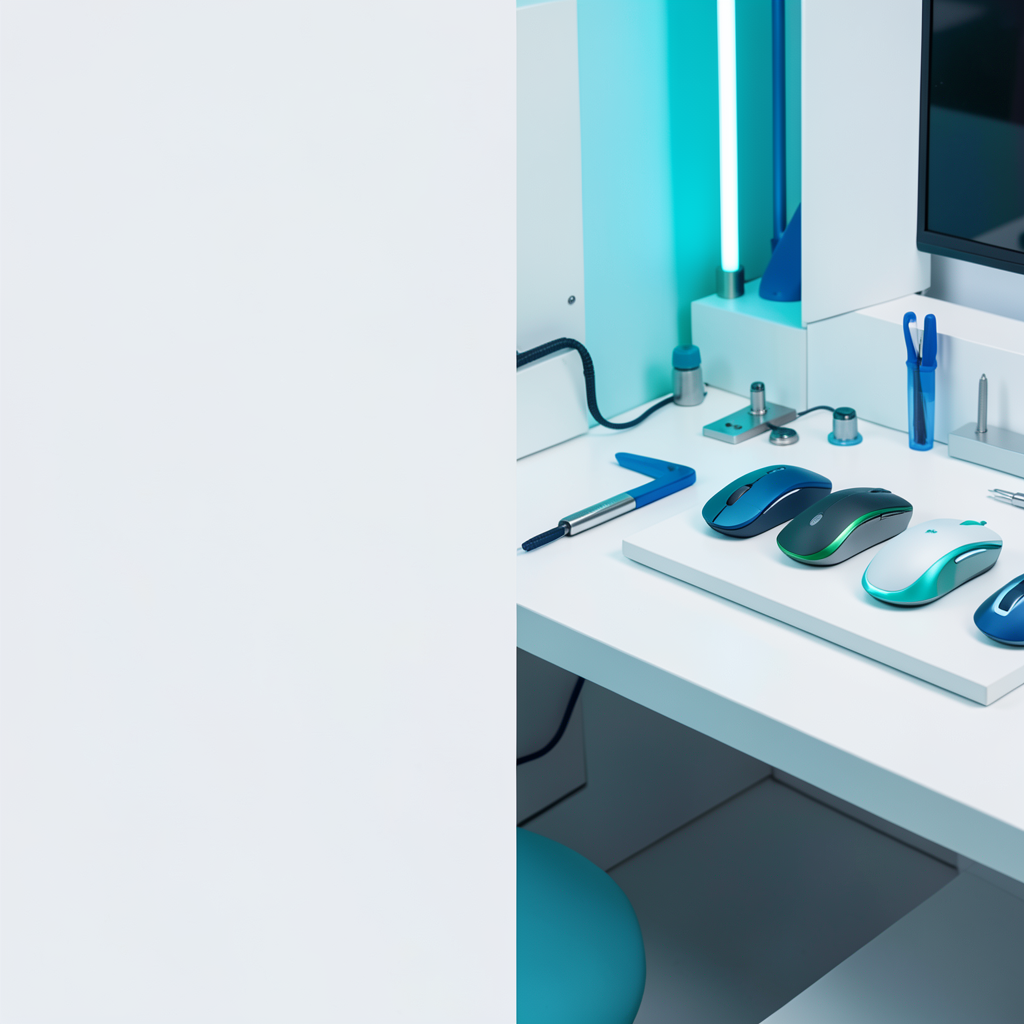
Turn your design ideas, material choices, and style preferences into focused mouse concept visuals.
Create a concept